Free Lyric Video Maker
Generate in 2 Minutes
For serious artists and labels
Check the Label Launch Kit





How Does This Work?
Drag and drop your song
You don't need to type your lyrics. Our AI listens to your song and writes them for you. Then it syncs every word to the beat. Just hit Generate!
.webp&w=3840&q=75)
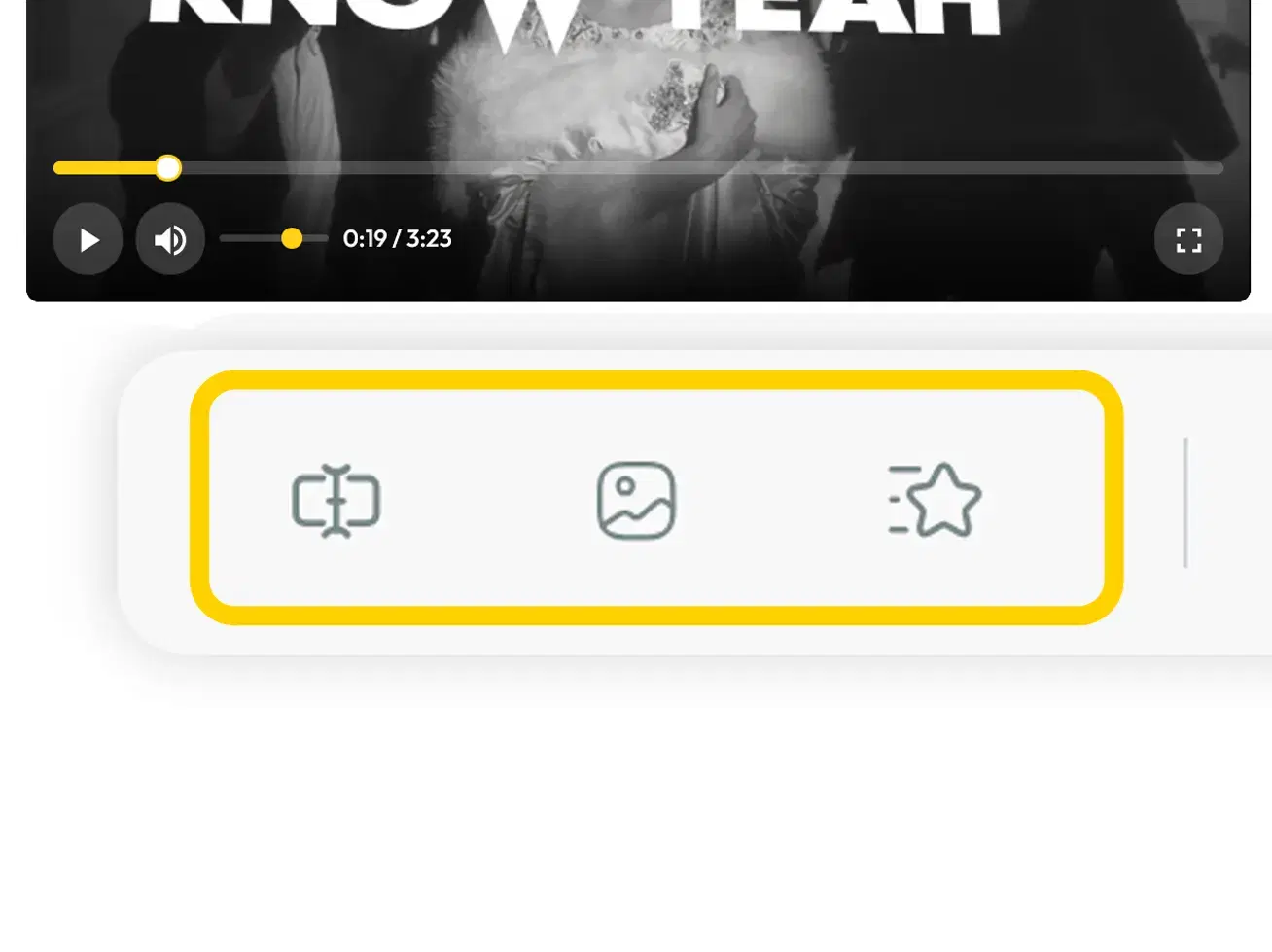
Texts, Timing, Background and Animation Style
Choose a background from our loop videos. Then pick how your lyrics move on screen. Real lyric video pros built every animation style. You can also fix any word or change when a lyric appears.
Enter your email and Download
Enter your email and pick your option:
- Free: comes with a watermark
- Paid: no watermark, best quality
Trusted by Musicians & Producers
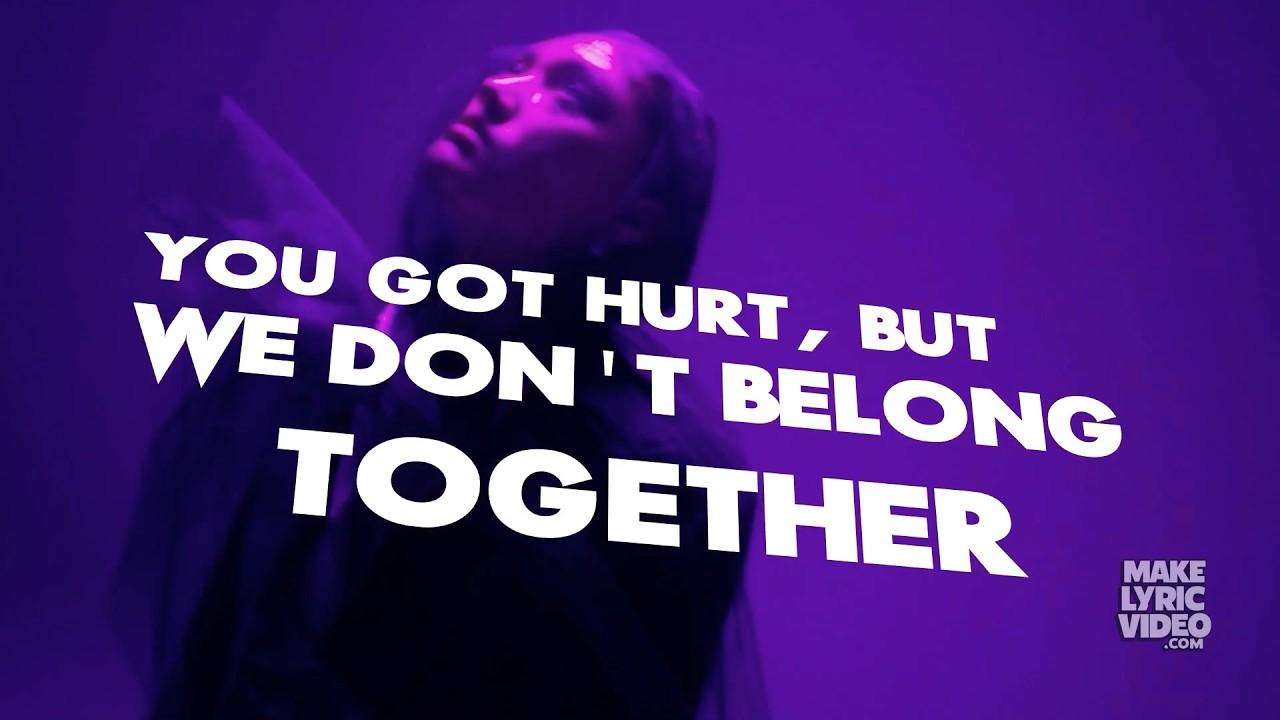
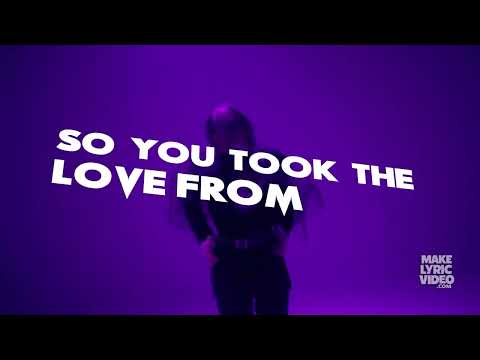
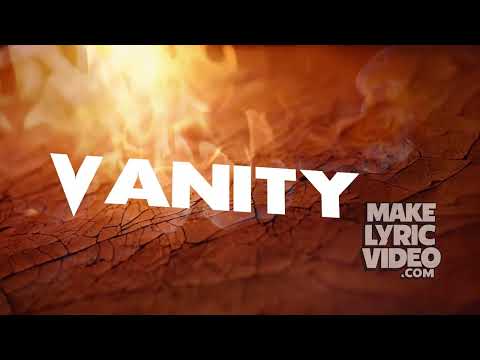
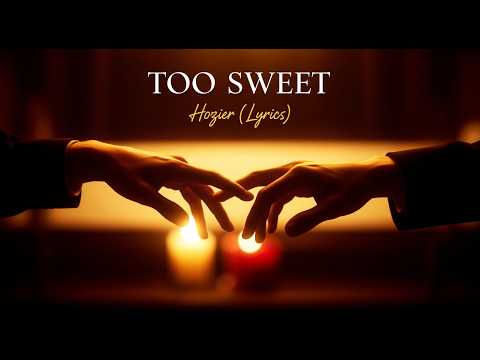
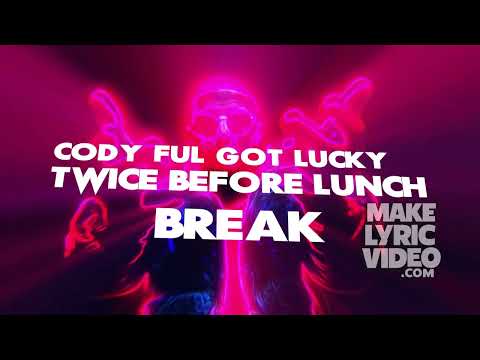
What artists have created



Raw Client Reactions
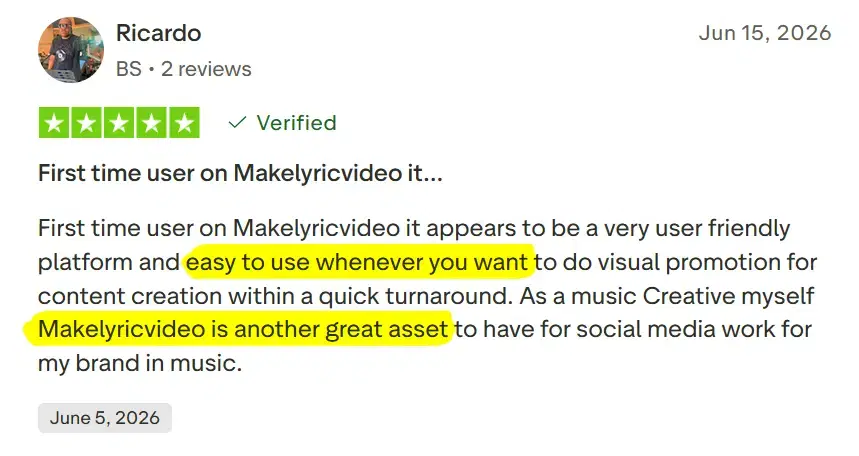
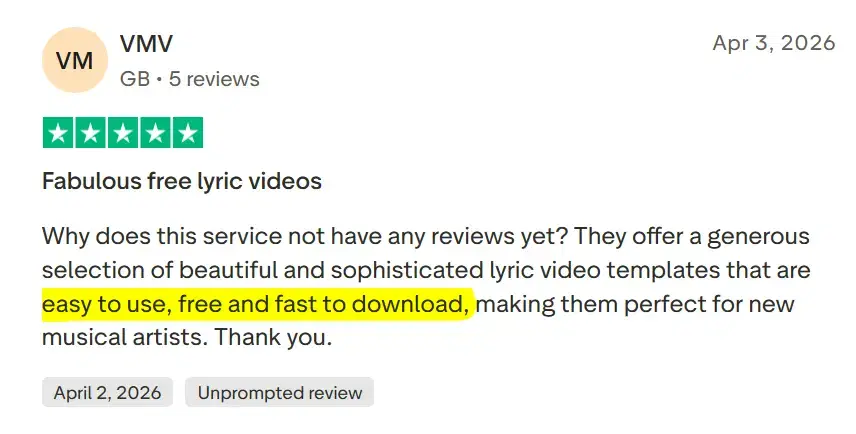
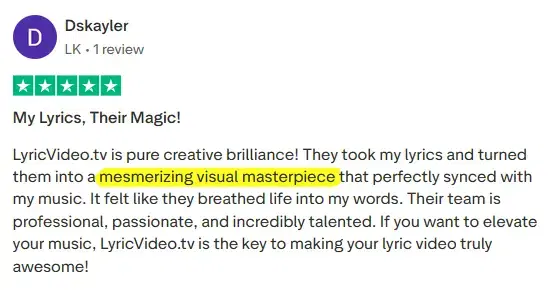
Why "Make Lyric Video" is better than others
No manual syncing, ever
Upload your song. Our AI writes the lyrics and times every word to the beat. No dragging timeline markers. No typing every line by hand.
Built for every genre
We built styles for hip-hop, EDM, rock, country, and pop. Real lyric video pros designed every animation, not a generic template stretched to fit.
Free to try, no card required
Export a full watermarked video instantly with no signup wall or trial traps. Pay only when you're ready to remove the watermark.
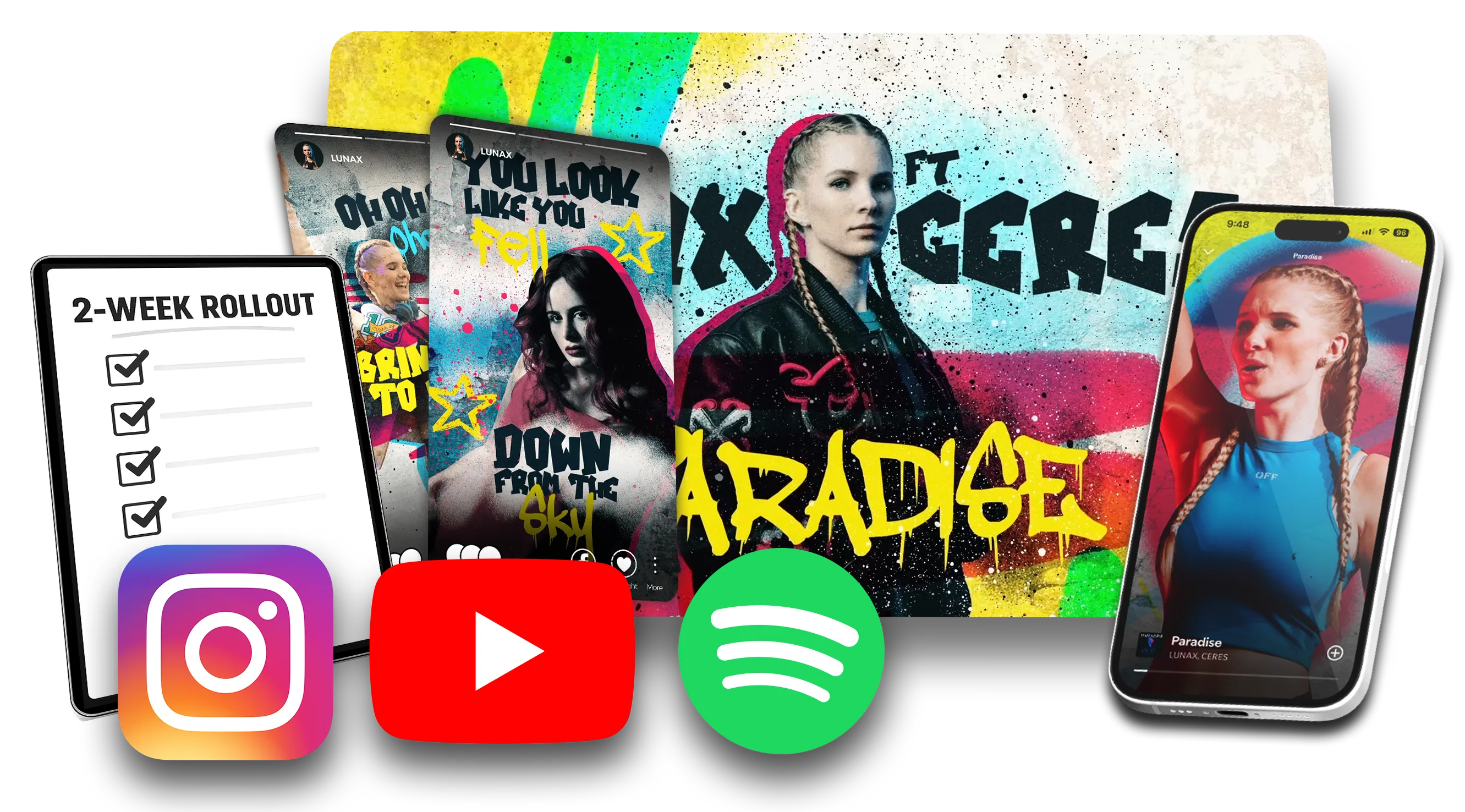
Want to make acomplete release?
One song. Three cuts. Designed by people, delivered on a date.

FAQ
Your most common questions
answered by our team.
Yes. You can generate, customize, preview, and download a full-length 720p lyric video completely free, with no account or card. The free video carries a watermark. To remove it and get Full HD 1080p, you can get the one-time HD Video upgrade.
No. There are no sign-ups, no logins, and no credit card required. Just upload your song and hit "Create My Free Video."
Three steps: (1) Upload your song. (2) The AI transcribes your lyrics and syncs them to the music automatically. (3) Preview your video, make any edits you want, and download. The whole process takes about 2 minutes.
Not at all. The AI handles the lyrics, timing, animation, and rendering. Want to make changes? The built-in editor gives you simple drag-and-drop controls for text and timing.
Open Edit Captions. You can retype any word, add a missing word with the + button, delete an extra word with the x button, and fix timing on the timeline. If the whole transcript is badly off, regenerating from the start can still help.
MakeLyricVideo.com works in any modern browser, on any device: iPhone, Android, Mac, Windows, or tablet. No app download needed.
What is a lyric video maker?
A lyric video maker turns a song file into a video where the words appear on screen in time with the vocal. Captions transcribe; a designed lyric video performs. The type itself is the design, and that's what we built Make Lyric Video around.
Here's what happens after you upload a song. Our AI listens to the vocal and writes out the lyrics for you, so there's nothing to paste or type. It then times every word to the audio, word by word rather than line by line.
Next, those words are set in motion with animation styles made by working lyric video animators for hip-hop, EDM, rock, country and pop. You get a video that looks designed, not subtitles pasted over a background.
If the AI mishears a word, open the editor and fix it, or change when a line appears. When it looks right, download it. That's the whole workflow of this lyric video generator: upload, generate, edit, download.
Who it's for
Independent artists
Your release date is set and the video isn't made yet. You don't need After Effects or a motion designer for one song. You need a finished video for YouTube, TikTok and Reels before the single drops.
AI and Suno creators
If you make songs with Suno or another AI music tool, an AI lyric video maker that transcribes straight from the track means you don't retype or time the lyrics yourself. Check your music tool's plan before you monetize; our guide to lyric videos for AI songs covers who owns what.
Labels and managers
When you release several songs a month, a lyric video creator that needs no brief and no freelancer keeps each video fast and affordable. When a release deserves custom design, our Pro team takes it on.
Free vs $29: what you actually get
Free
Unlimited full-length 720p exports, with no account, no card, no credits, no trial. The watermark sits on every frame. You can post the video publicly on YouTube, TikTok or Reels with the watermark intact. It isn't licensed for monetization, paid ads or broadcast.
$29 one-time, per video
A clean 1080p file with no watermark and no subscription. It includes commercial rights: YouTube monetization, paid ads, broadcast and OTT. The file is emailed within 15 minutes.
Neither licence covers the song itself, so clear your song rights separately. The details are on our pricing page and licensing page.
How to choose a lyrics video maker
Three questions separate the tools. Does it write the lyrics from your audio, or ask you to paste them in? Does it sync word by word, or a whole line at a time? Does the free version give you a full-length video you can post, or a short sample?
We're biased, so make a free video and judge the result yourself. One honest limit: for frame-by-frame custom motion work, a motion designer in After Effects will beat any template tool, ours included. Make Lyric Video is built by LyricVideo.TV, a studio with over a decade of lyric video production and 800+ visual projects behind it.
Want it finishedby a designer?
A designed lyric video with every release asset. Delivered in as little as 2 days, from $199.

Built by LyricVideo.TV
Follow Us


©UGHD Studios, Inc. 2026