Fix Wrong Lyrics in a Lyric Video: Add, Delete, Retype
AI writes most of a song's lyrics right, then trips on a few words. This guide shows the fastest way to fix them. Start by making the video again. If a word is still wrong after that, fix it by hand in the caption editor.
Why AI gets song lyrics wrong
Speech tools are built for talking. Songs are harder in a few ways. Music plays under the voice. Singers stretch vowels and hold notes. Ad-libs and backing vocals overlap the main line. Choruses repeat, and slang and names aren't in any dictionary.
Word error rate (WER) is the share of words a system gets wrong, misses or adds, out of every 100 words. Lower is better.
How often AI gets lyrics wrong
Word error rate. Lower is better. Song figures are full tracks with the music still in.
Radford et al., arXiv:2212.04356; Syed et al., arXiv:2506.15514; Zhuo et al., arXiv:2306.17103. Re-checked October 3, 2026.
On full songs, the best published open-source result is about one word in five. That's why every AI lyric tool needs a fix-it step. For the full story, see how accurate AI lyric transcription is.
First fix: make the video again
When words are missing or clearly wrong, start over: upload the same song again and make a new video from the start. This doesn't happen often. When it does, it's usually a one-off transcription miss.
The free version has no limit on how many videos you make, so trying again costs nothing. If the same word is still wrong on the second try, fix it by hand.
Five kinds of lyric mistakes and the fix for each
| Mistake | What it looks like | Fix in the editor |
|---|---|---|
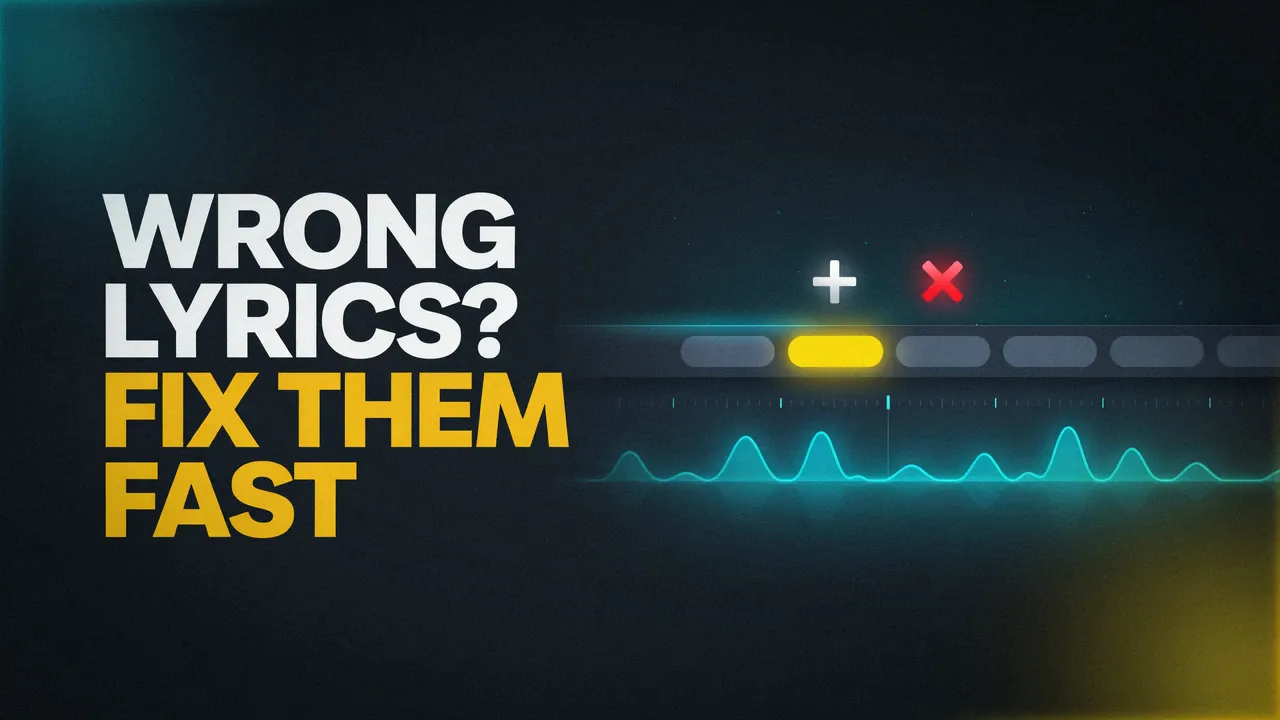
| Misheard word | "diamond" came out as a different word | Click the word, retype it, press Enter |
| Missing word | AI skipped "the", a name or a quick "yeah" | Press + on the word before it, type the word, press Enter |
| Word you don't want | A curse word, a mumbled or mispronounced word, a breath heard as a word | Press x on that word |
| Two words joined | The singer sang "can not" but it shows "can't" | Retype "can't" as "can", then press + and type "not" |
| Word at the wrong time | The word shows up early or late | Drag the word, or click its times and type new ones |
Buttons as they work in the Make Lyric Video caption editor, October 3, 2026.
Two notes. Adding isn't only for splitting words: you can type any word with +. And fix the words before the timing. A corrected word often fixes what looked like a timing problem. For timing rules, see how to fix lyric timing.
Step by step: edit the words in our free editor
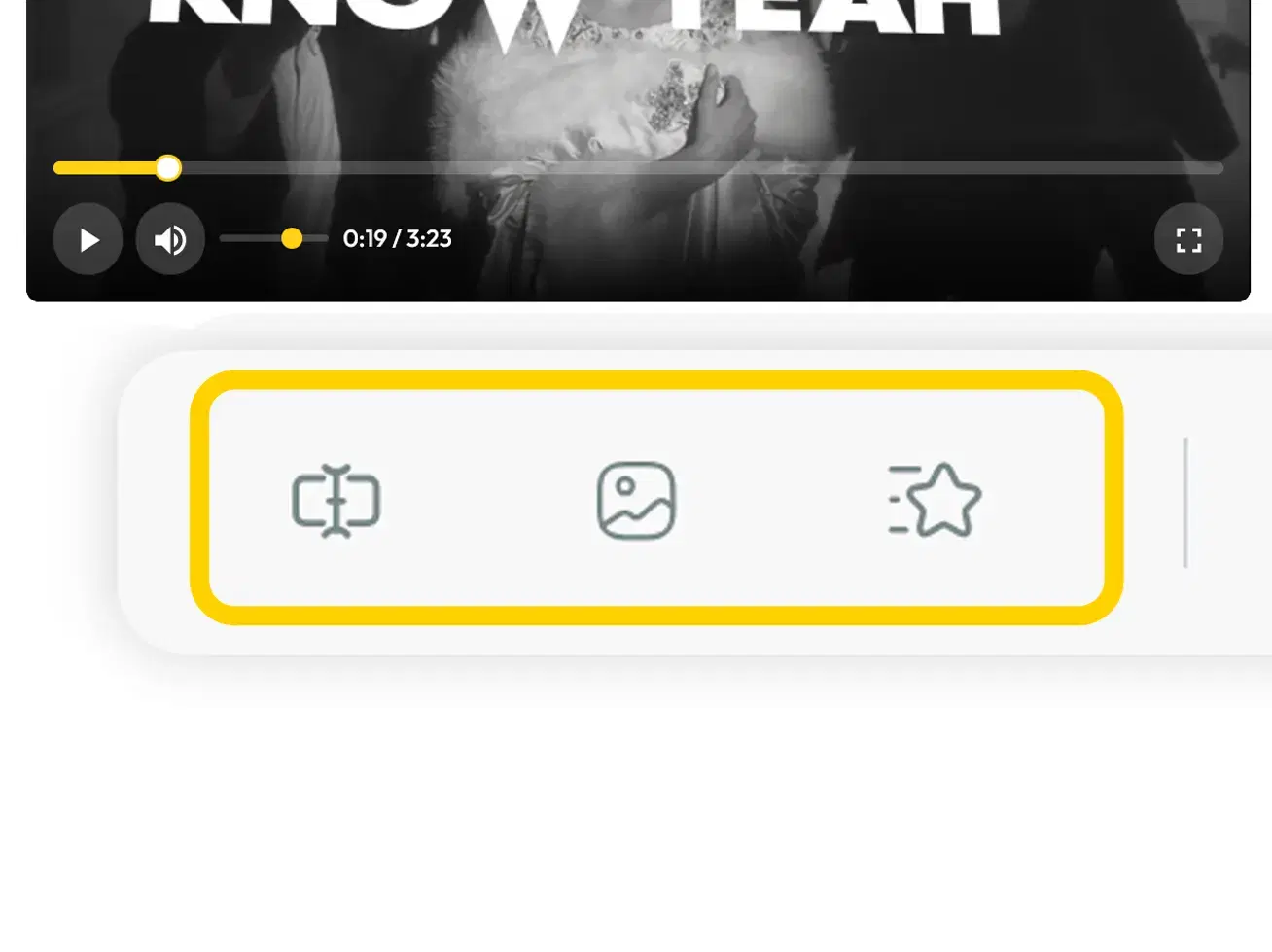
Open Edit Captions
After your video is made, tap the Edit Captions button (the text-box icon, labeled "Captions" on a phone). The video pauses and the caption timeline opens.Click a line
Click any lyric line on the timeline. The video jumps to that line and every word gets its own box.Retype a word
Click the word, type the right one, and press Enter. Esc cancels. A word can be 1 to 20 characters.Add a missing word
On a computer, hover over the word before the gap. On a phone or tablet, the buttons are always showing. Press + ("Add word after"). A blank box opens that says "Word...". Type the word and press Enter. If you leave it blank or press Esc, the new box goes away.Delete a word
Press x ("Delete word") on the word.Fix timing if needed
Drag the dotted handle on a word to move it, or drag its top or bottom edge. Or hover over a word to see its times, click them and type new ones, in minutes:seconds:milliseconds (00:00:000).Save and regenerate
Tap the Save Changes button (the disk icon) in the caption panel. Then tap the Regenerate Video button, which pulses yellow once you have changes ("Regen" on a phone). Until you do, the download button says "Regenerate to download with the changes".

When the new version is ready, download it. The free download is 720p with a watermark on every frame. It's fine to post but not to monetize, with no account or card. $29 gets 1080p, no watermark and commercial rights to the video. The song and recording rights stay separate, and you clear those yourself. See rights to monetize.
Fix your lyrics in the free editor
Upload your song, then retype, add or delete any word. Free at 720p with a watermark, fine to post, not monetizable. No account, no card.
Where a new word lands
When you press +, the editor picks a time for the new word.
| Gap after the word you pressed + on | Where the new word goes | What to do next |
|---|---|---|
| 0.15 seconds or more | Into the gap, starting where that word ends, up to 0.4 seconds long | Usually nothing. Nudge it if it's early or late |
| Less than 0.15 seconds | The word you pressed + on is cut in half. The new word takes the second half | Drag the edges so each word matches the singing |
| Under 0.15 seconds, and the word is shorter than about 0.07 seconds | No + button on that word | Make room first: drag the next word later, then press + |
Read from the editor's code on October 3, 2026.
The gap is the silence before the next word, or before the song ends. The new word always joins the same line as the word before it.
A 60-second proofread before you download
- Play every chorus. AI often writes the same hook differently each time.
- Check names, slang and brand words.
- Check the first and last line.
- Check ad-libs. Delete the ones you don't want on screen.
- Watch one fast line on your phone at full speed.
That check is for words. The sync guide has its own 60-second check for timing.
When fixing words isn't enough
If your song needs exact wording and line breaks for a release, have our studio make it. You paste your exact lyrics, our designers build the video, and you see a preview first, with a full refund if you don't like it. To work with any studio, see how to brief a lyric video designer. Fast verses? See our fast rap verses guide. Made the song with AI? See lyric videos for Suno songs.
FAQ
Why are the lyrics wrong in my AI lyric video?
Songs are hard for AI to transcribe. Music sits under the voice, singers stretch words, and ad-libs overlap the main line. On full songs, the best published open-source system still gets about one word in five wrong. Make the video again first, then fix what's left in the caption editor.
Can I add a missing word to a lyric video without starting over?
Yes. Open Edit Captions, click the line, and press + on the word before the gap. Type the missing word and press Enter. The new word goes into the gap after that word (up to 0.4 s), or takes its second half if the gap is under 0.15 seconds. Then save and regenerate.
How do I delete a word from my lyric video captions?
Open Edit Captions, click the line, and press x on the word. On a computer the button shows when you hover over the word. On a phone or tablet it's always showing. You can't delete the very last word left in the song.
Do I have to regenerate the video after editing the lyrics?
Yes. Tap the Save Changes button, then the Regenerate Video button. Your edits appear in the video only after it regenerates. Until then, the download button says "Regenerate to download with the changes".
Is the lyric editor free?
Yes. Retyping, adding, deleting and retiming words are all free, with no account or card. The free download is 720p with a watermark on every frame, fine to post but not to monetize. $29 gets 1080p, no watermark and commercial rights.