How to Sync Lyrics to Music for a Lyric Video (Word-Level, 2026)
Three routes sync lyrics to music, and they cost very different amounts of your time. Automatic transcription plus word alignment runs about 15 minutes and times every word; tap-to-sync in an LRC editor runs 30 to 60 minutes and usually stops at line level; manual keyframes take an evening. The target is the same in all three: each word appears at the onset of the vocal that sings it, never after it. Controlled ITU tests with expert viewers put the threshold for noticing audio and picture drift at 45 ms of lead to 125 ms of lag.
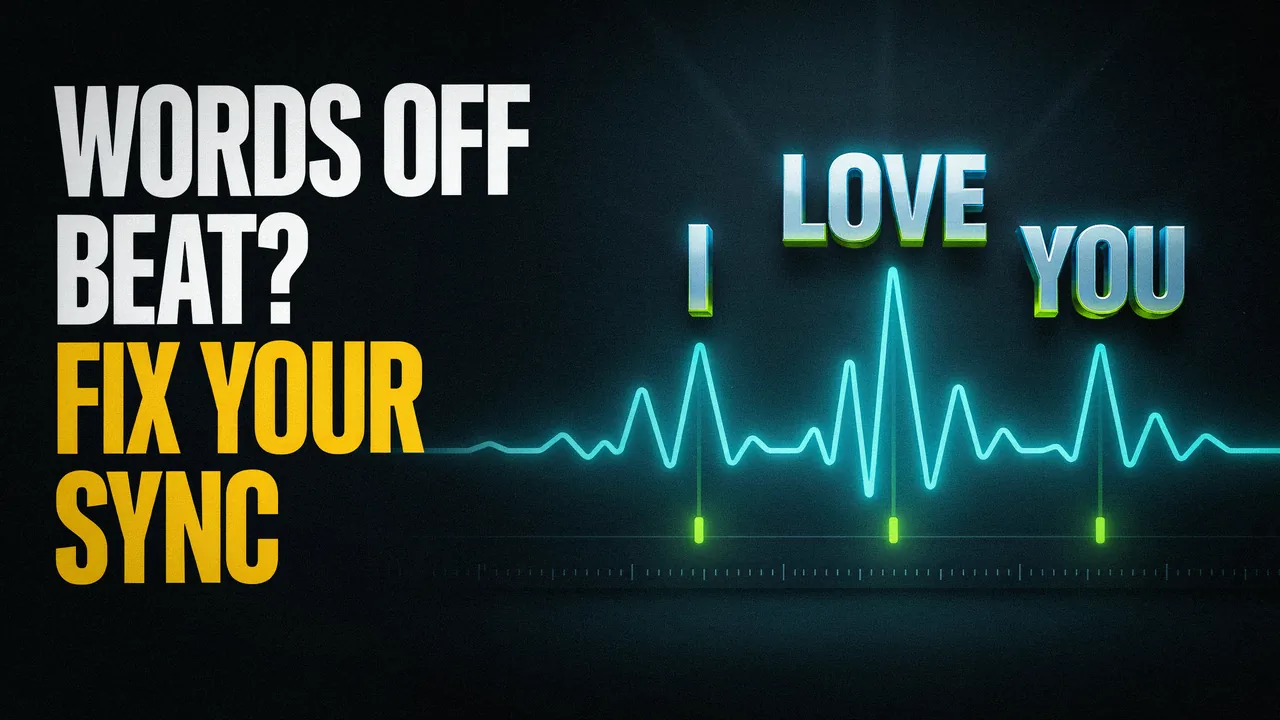
Line-level vs word-level: what you're actually syncing
Two different jobs hide inside the phrase "synced lyrics", and picking the wrong one is why a lot of lyric videos feel slightly off.
Word-level sync is timing each individual word to the audio, so a line can reveal or highlight itself as the vocal arrives at each word.
Line-level captions are whole lines timed as blocks: the line appears, holds while it's sung, and gets replaced by the next one.
Forced alignment is the step that takes lyrics you already have and finds where each word starts and ends in the audio, rather than guessing what the words are.
Word-level timing is a second stage, not a by-product of transcription. The WhisperX authors put it plainly: "timestamps corresponding each utterance are prone to inaccuracies and word-level timestamps are not available out-of-the-box" (arXiv:2303.00747, 2023). Their system adds forced phoneme alignment to get there.
Line-level is honest enough on a slow hook, where one line lasts four seconds and nobody strains to keep up. On a dense verse or a held note, it stops describing what the vocal is doing. How to make a lyric video covers the rest of the production.
The same sung line, timed by line and by word
Top lane: one caption block holds the whole line. Bottom lane: each word appears where its vocal starts, and the held note on “be” keeps its full length.
- Line-level captions
- One block, held for the whole bar. The words never move with the vocal.
- Word-level sync
- Each word lands on its own beat, so the type performs the flow instead of summarizing it.
Diagram, not measured data. The word spacing follows the Enhanced LRC example quoted below, where “be” is held for about two and a half seconds before “lies”.
How tight does lyric timing need to be?
Tighter than it feels, and unevenly in the two directions. The closest measured numbers come from broadcast audio-to-video sync, not from lyric research. Controlled tests with expert viewers found that "the threshold for detectability is 45 ms lead to 125 ms lag" (Wikipedia, citing ITU-R BT.1359, September 2026). Sound arriving before its picture is the fault people notice first, so text trailing the sound gets caught at around 45 ms, while text running ahead of it survives to about 125 ms.
Duration has published floors and ceilings too. Netflix's Timed Text Style Guide sets a "Minimum duration: 5/6 (five-sixths) of a second per subtitle event" and a "Maximum duration: 7 seconds per subtitle event" (Netflix Partner Help Center, September 2026). Run that against a bar: at 140 BPM in 4/4, one bar lasts about 1.7 seconds, so it holds roughly two readable events. Put three lines in that bar and one-card-per-line drops under the floor.
The BBC states the onset rule outright: "subtitle appearance should coincide with speech onset". It also warns that "subtitles remaining too long on the screen are likely to be re-read by the viewer" (BBC Subtitle Guidelines, September 2026). Both transfer to sung lines.
The file format is not the constraint: LRC timestamps resolve to hundredths of a second, 10 ms, finer than the 45 ms a viewer can detect (Wikipedia, September 2026). The alignment is the imprecise part.
Three rules follow:
- Land on the onset, never after it. Late text is the direction viewers catch first, and it reads as broken.
- Hold long enough to read. Below roughly five-sixths of a second, text is on screen but not readable.
- Don't hold through the next line. Text that outstays its phrase invites a re-read, so the reader misses what's being sung.
Method 1: automatic transcription and word alignment (about 15 minutes)
This is the fastest route to word-level timing, and it is two systems stacked, not one. Speech recognition writes the words from the audio; forced alignment finds where each word starts on the waveform.
Forced aligners are ordinary documented software. Gentle describes itself as "a tool for aligning speech with text" (GitHub, September 2026). The Montreal Forced Aligner documents the same job against an "existing pronunciation dictionary and acoustic model" (MFA documentation, September 2026). Transcription guesses the words; alignment already knows them and solves only for time.
Synchrony is the expensive part, and research says so. An Adobe Research paper on automating lyric videos calls making them "challenging and time-consuming as the lyrics need to be added in synchrony and visual harmony with the video". It names two quality criteria for the result: "readability of the lyric text" and "a unified focus of attention" (Adobe Research, September 2026).
Upload the mixed song
Use the file you already have: no stems, no isolated vocal, no lyric document.Let the transcription write the lyrics
The AI writes the words from the audio, so there is nothing to paste.Check that every word carries its own time
Word-level means each word has a start, not just each line.Scrub the hard parts first
Fast lines, ad-libs, and the second and third pass of the hook. Errors cluster there.Retype misheard words, then nudge late ones
Fix the text before the timing; correcting a word often resolves what looked like a timing error.Preview once, then export
Free exports are unlimited, full length and 720p, with a watermark on every frame and no account or card. $29 one time gets 1080p with no watermark and commercial rights, emailed within 15 minutes, in 16:9 (pricing checked September 2026; confirm at checkout).
We built this tool, so treat the next part as inside information, not a neutral test. The first pass is accurate on most vocals and misses in predictable places, which is why every word stays editable. Fast or slurred delivery, slang and ad-libs are where it mishears. Compare tools on how fast you can fix a wrong word.
The mechanism is documented on how Make Lyric Video times every word, and what the words do on screen is covered in lyric video ideas.
Method 2: tap-to-sync (line-level, 30 to 60 minutes)
Tap-to-sync makes you the aligner. You play the song, press a key as each line starts, and the editor writes a timestamp where you pressed. Nothing is guessed, because you supplied the words.
The output is usually an LRC file. "Time tags have the format [mm:ss.xx]lyric, where mm is minutes, ss is seconds, xx is hundredths of a second" (Wikipedia, September 2026):
[00:12.00]Line 1 lyrics
[00:17.20]Line 2 lyrics

[00:21.10][00:45.10]Repeating lyrics (e.g. chorus)
Two timestamps on one lyric is the format's built-in answer to a chorus that comes back.
Word-level exists here too. The "A2 extension to the LRC format (also called the Enhanced LRC format) ... adds the ability to specify the time individual words are sung", in angle brackets rather than square ones (same source, September 2026):
[00:00.00] <00:00.04> When <00:00.16> the <00:00.82> truth <00:01.29> is <00:01.63> found <00:03.09> to <00:03.37> be <00:05.92> lies
[00:06.47] <00:07.67> And <00:07.94> all <00:08.36> the <00:08.63> joy <00:10.28> within <00:10.53> you <00:13.09> dies
[00:13.34] <00:14.32> Don't <00:14.73> you <00:15.14> want <00:15.57> somebody <00:16.09> to <00:16.46> love
Read <00:03.37> be <00:05.92> lies: the word "be" holds for about two and a half seconds before "lies" lands. Line two holds "you" from 00:10.53 to 00:13.09. Two sustained notes in three lines, visible in the timestamps.
For a video, this route is thin. You get timestamps and nothing else, so type, motion, background and export still have to happen elsewhere. Most tapping stays line-level, because one keypress per line is the whole interaction. Its advantage is that you supply the words, which makes a song with known lyrics the easiest case; see AI lyric video generators.
Method 3: manual keyframes in CapCut or Premiere (an evening)
Hand keyframing buys the most control at the highest hourly cost. Both common routes still start with automatic captions and then hand you the corrections, block by block.
CapCut publishes a page titled "How Do I Fix Inaccurate Auto-Captions in CapCut?". Auto-captions "may misinterpret words due to background noise, accents, fast speech, or low audio quality", and the documented remedy for bad segmentation is manual splitting with the scissors icon or the B key (CapCut Help Center, September 2026).
One instruction there cannot be followed on music. Before re-running captions, CapCut says to "Ensure only the clean voice track is audible (mute music/effects)" (same page). You cannot mute the instrumental inside a stereo master, so the fix assumes an isolatable voice track that a mixed song does not have. Whether its timing is word-level is not stated there.
Premiere Pro documents its own path: "Select Window > Text", then "Generate static transcript" (Adobe, September 2026). "Transcribe In point to Out point only" keeps a 40-second instrumental intro out of the job. "Audio analysis ... transcribe audio from a specific audio track" points it at a vocal stem.
Everything after that is manual: splitting, retyping, dragging edges onto the onset, styling, keyframing. Real control, and an evening per song. If you are weighing routes rather than software, compare lyric video makers.
Five things that break auto-sync, and the fix for each
Auto-sync does not fail randomly. It fails in five predictable places, each with a specific fix.
Ad-libs and background vocals
Apple requires lyrics to include "everything that is an integral part of the vocals" (Apple Music Provider Support, September 2026). Decide which ad-libs are integral, then place them off the main line.Repeated hooks
An aligner can attach a line to the wrong repeat, and everything after it drifts. LRC anticipated this with two timestamps on one line. Check the second and third chorus, not the first.Melisma and held notes
The LRC example above holds "be" for about two and a half seconds, where three words would normally fit. Give the held word its own duration and keep the next word out of the hold.Fast bars
At 140 BPM a bar runs about 1.7 seconds, so dense delivery pushes one-card-per-line under the readable floor. Word-level highlighting inside a line that stays up is the way out; rap specifics are in syncing rap lyrics to the beat.Long intros and instrumental breaks
WhisperX describes long-audio transcription as "prone to drifting, hallucination & repetition" (arXiv, 2023). Premiere's documented countermeasure is "Transcribe In point to Out point only", so mark around the vocal.
Only one of those five, fast bars, is really a design problem. The other four are transcript or alignment errors wearing a timing costume, so nudging text on the timeline often fails. Correct the words first, then look again.
Synced lyrics on Spotify and Apple Music are a separate job
None of the work above puts lyrics inside a streaming app. Your video file and a platform's synced lyrics are separate deliveries through separate systems.
Spotify routes artists to a third party: "Musixmatch provides licensed and synced lyrics for Spotify" (Spotify for Artists, as of September 2026). You get verified on Musixmatch to add, edit and sync them, and Spotify states that "The free tier plan is all you need" (same page). Listeners cannot add lyrics at all.
Apple treats time-sync as its own call: "At this time, the time-synced lyrics is a feature that is implemented at Apple's editorial discretion" (Apple Music for Artists, as of September 2026). What you control is the text. Apple requires that lyrics "match audio", including "everything that is an integral part of the vocals", with no "periods or commas at the end of any lyric line" (Apple Music Provider Support, as of September 2026).
Apple's guidance on where to break a section doubles as line-breaking advice for your video. It names a chorus, verse, intro, bridge or hook, "Changes in the song tempo", and "Changes in how the artist delivers the lyrics (from singing to rapping)" (same page). Platform rules move, so check before you file.
A 60-second check before you export
You do not need to rewatch the whole song. Five spots catch nearly every sync error, and the pass takes about a minute.
The first word
Early or late here, and the video reads as broken from second one.The second chorus, not the first
Repeats are where an aligner jumps to the wrong instance.The fastest line in the song
If your densest delivery holds together, the slower lines will.The last word
Drift accumulates, so the end of a four-minute track shows it first.One random line from the middle
A clean line you never touched is decent evidence the pass is clean.
Then watch once on a phone, at phone volume. That is where the video will be watched, and errors that hid on a big monitor become obvious.
FAQ
What does it mean to sync lyrics to music?
Syncing lyrics to music means attaching a timestamp to each line, or to each individual word, so the text appears when it is sung. Line-level sync shows a whole line at a time and swaps it for the next. Word-level sync gives every word its own start time, so a line can highlight itself as the vocal moves through it and each word lands on the onset of the sound it belongs to.
How accurate does lyric timing have to be?
Tighter than most people expect. The closest measured figures come from broadcast audio-to-video sync rather than lyric research. Controlled ITU tests with expert viewers put the detectability threshold at 45 ms of audio lead to 125 ms of audio lag, and text arriving after the sound is caught first. Netflix separately requires a minimum of five-sixths of a second per subtitle event, which works well as a readable floor for a lyric line.
Can AI sync lyrics to a song automatically?
Yes, and it is the fastest route, but it runs in two steps. Speech recognition writes the words from the audio, then forced alignment finds where each word starts. The WhisperX authors note that with Whisper-class models, word-level timestamps are not available out of the box, so word-level timing comes from that second stage. Expect misses on ad-libs, repeated hooks, held notes and fast delivery, so choose a tool that lets you fix a word.
What is an LRC file?
An LRC file is a plain-text lyrics file with timestamps, used by music players to show lyrics in time with a song. In the original format, each line starts with a time tag written as minutes, seconds and hundredths of a second, followed by that line's lyric. The Enhanced LRC extension adds word-level tags in angle brackets, so a player can highlight each word as it is sung. Its resolution is ten milliseconds.
How do I get synced lyrics on Spotify?
Through Musixmatch, not through Spotify directly. Spotify's help page states that Musixmatch provides licensed and synced lyrics for Spotify, and that artists get verified on Musixmatch to add, edit and sync their lyrics. Spotify adds that the free Musixmatch plan is all you need for that. Listeners cannot add lyrics themselves. None of this affects a lyric video file, which is a separate delivery to YouTube and social platforms. Checked September 2026.
Timing is the part of a lyric video that no style can rescue. Upload your song to our free lyric video maker, let it write and time the words, then fix whatever it mishears. Exports are unlimited, full length and free at 720p with a watermark, so you can judge the sync on your own track. The step-by-step version is on how it works.
Hear every word land on your vocal
Upload your track and the AI writes and times each word. Fix anything it mishears, then export the full video free, as often as you like; the clean 1080p file is $29 only when you release it.